Understanding the CVB Engine
The CVB — Computed Volume Bearing — Engine is the physics simulation engine at the heart of SimFit.
Snapform developed the CVB Engine to simplify the socket design process. Prosthetic socket design is complex and depends on many variables. CVB uses advanced engineering technology to support the prosthetist in designing better-fitting sockets—while keeping the workflow practical for clinical use.
Patient-specific biomechanical model
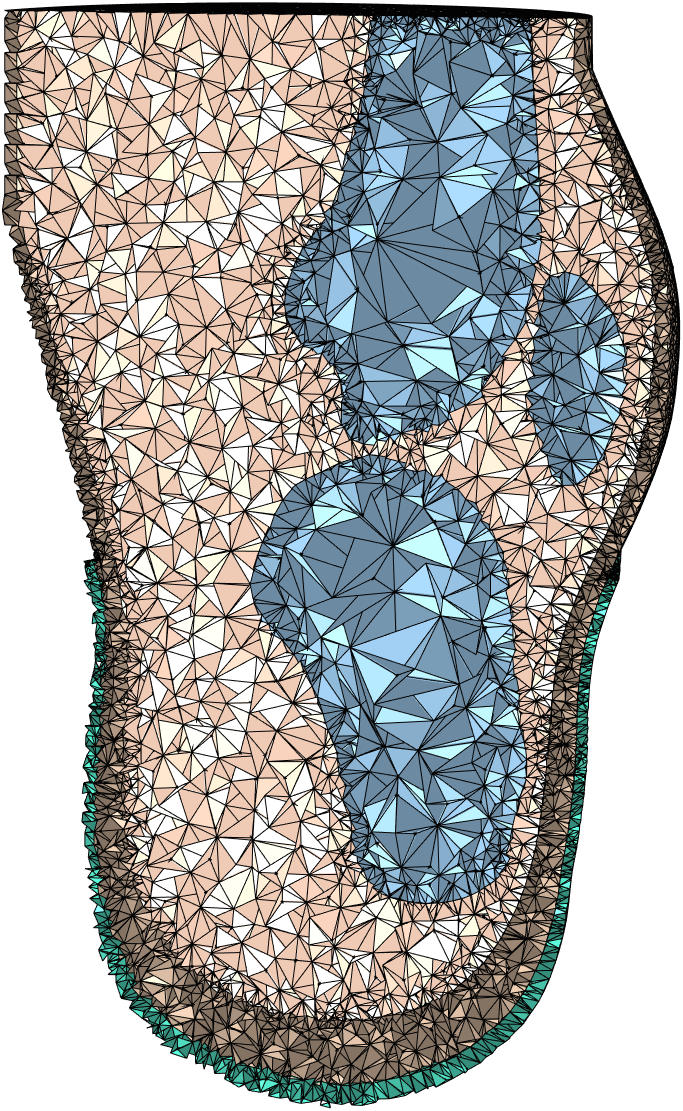
The CVB Engine is built around an advanced biomechanical model of the residual limb. Using a 3D scan of the limb and key anatomical information—such as bone locations—it creates a patient-specific model that simulates how the stump behaves when subjected to forces from the prosthesis. The model can predict how much the tissue deforms when a pressure is applied to the skin. This model is used to shape the socket and test the design.
Gait simulation and pressure relief
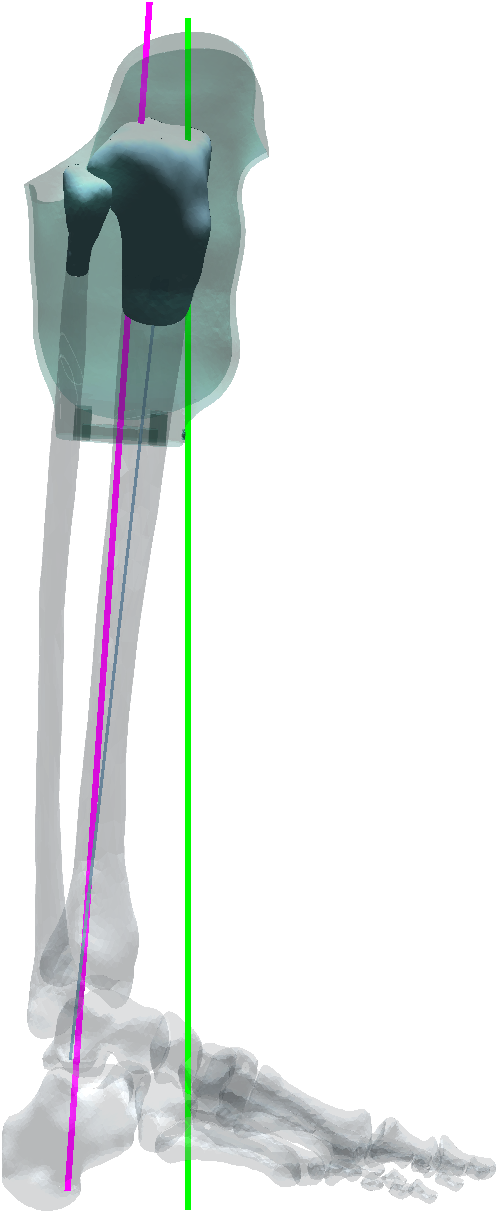
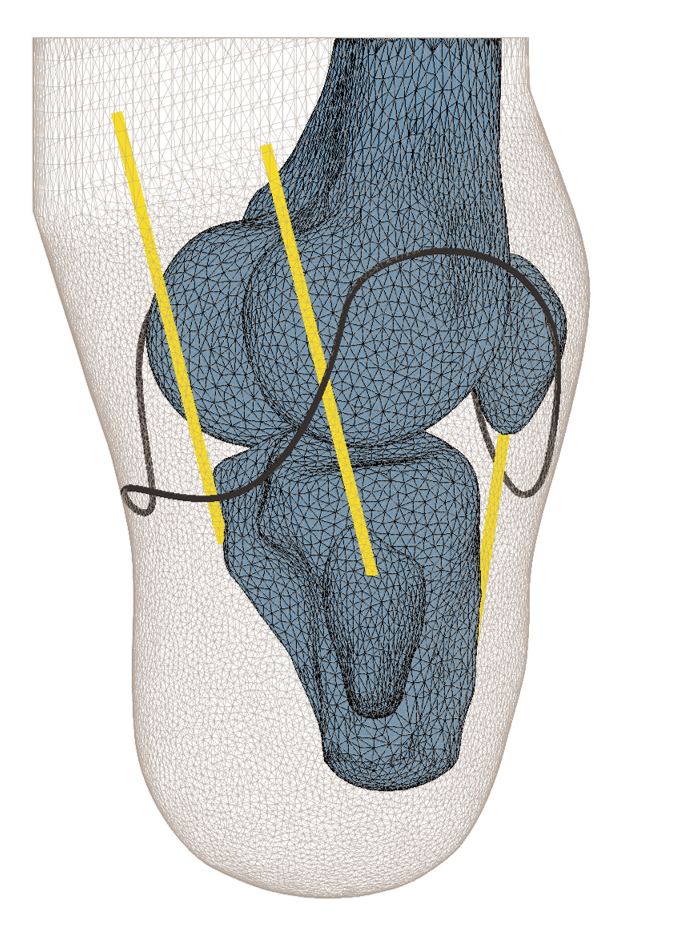
Once the patient-specific model is generated, the software runs an advanced simulation to see how the soft tissue is loaded during the gait cycle. This analyses how the bones move relative to the socket—for example how the tibia is driven into the socket at heel strike. Based on this, the software designs the pressure reliefs around the bony prominences of the stump. There is no need to manually draw pressure relief areas; the CVB Engine calculates them automatically.
Working with the design
In a traditional workflow a socket is shaped in two steps: first via the plaster cast, where the prosthetist applies pressures to shape the stump, followed by rectification of the positive cast.
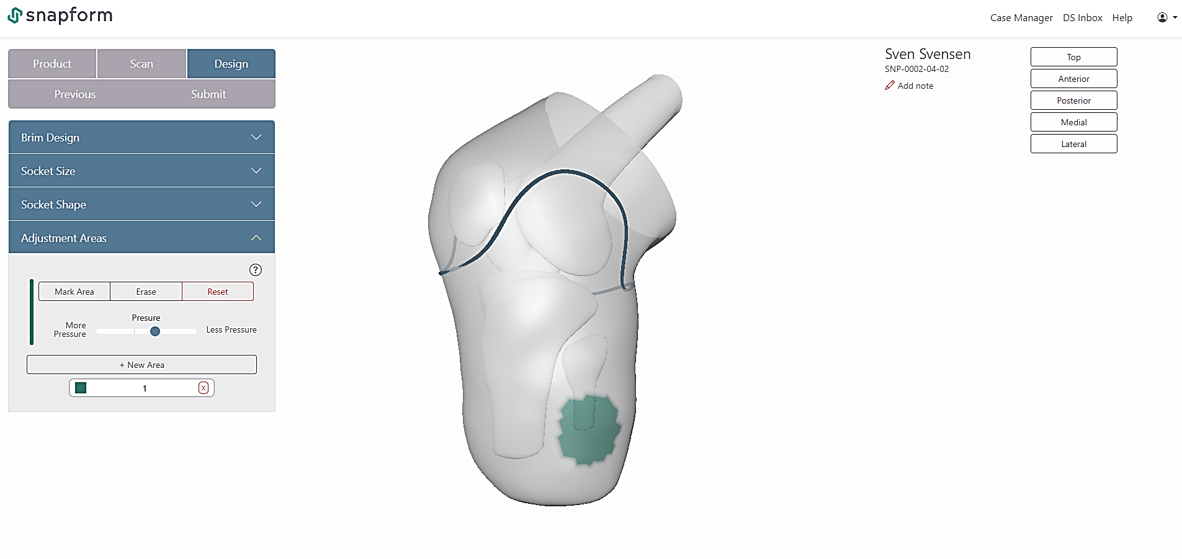
In SimFit, this process is replicated digitally using forming forces. It is the same as pushing (or pulling) on the patient's residual limb during the plaster cast. If you push with a force, you get a certain indent depending on the location on the stump. If you pull, you get a pressure relief bulge. This allows for precise local design adjustments as necessary for the specific patient.
Socket volume
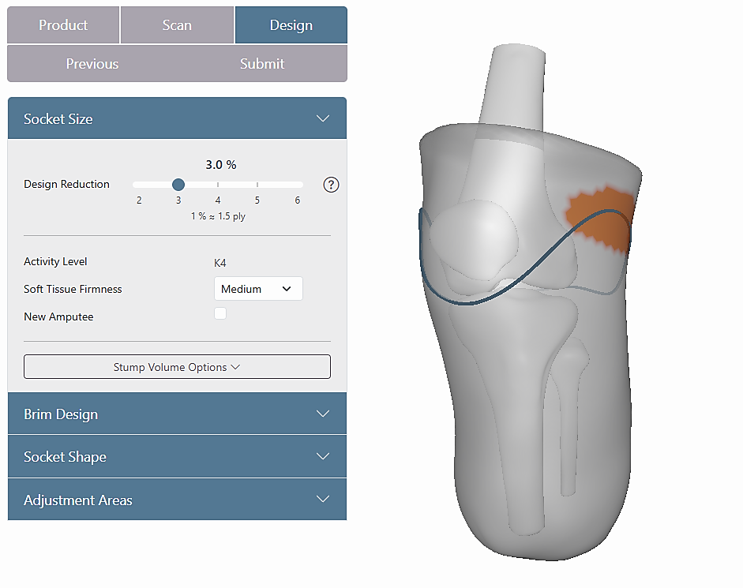
Overall socket volume is controlled using a reduction setting, similar to circumferential reduction in traditional methods. SimFit suggests a default value based on patient anatomy and clinical data, which can be adjusted as needed.
From scan to print-ready file
Once the socket shape is finalised, the software automatically completes the design, including adapter alignment based on gait simulation data. The output is a print-ready manufacturing file—taking you from patient scan to production, while you have the patient in the clinic.